 TutorialKart.com
Seneca is a Node.js toolkit for building message-based services and microservices. Instead of calling functions or routes directly, application components send message objects that Seneca matches to registered action patterns.
Learn about the Seneca framework in this guest post by Diogo Resende, a microservices expert with over 15 years of development experience.
How the Seneca Framework Handles Microservice Messages
The Seneca framework has been designed to help develop message-based microservices. It has two distinct characteristics:
- Transport agnostic: Communication and message transport is separated from your service logic, and it’s easy to swap transports
- Pattern matching: Messages are JSON objects, and each function exposes the sort of messages it can handle, based on the object properties
Being able to change transports is not a big deal; many tools allow you to do so. What is really interesting about this framework is its ability to expose functions based on object patterns.
A Seneca action consists of a pattern and a handler. When an application calls act, Seneca searches for an action whose pattern matches the supplied message. This approach keeps the business operation separate from the mechanism used to deliver the message.
Seneca Framework Prerequisites and Installation
Before following the examples, install Node.js and npm. Create a new project directory, initialize the package, and then install the Seneca package. The examples use CommonJS require syntax.
Start by installing Seneca:
npm install senecaThe examples in this tutorial reflect the Seneca APIs used when the article was written. Package versions and optional plugins can change independently, so review the current Seneca package documentation before applying an example to a new production project.
Create a Seneca Action with add and act
For now, forget the transport and create a producer and consumer in the same file. Here’s an example:
const seneca  = require("seneca");
const service = seneca();

service.add({ math: "sum" }, (msg, next) => {
    next(null, {
        sum : msg.values.reduce((total, value) => (total + value), 0)
    });
});

service.act({ math: "sum", values: [ 1, 2, 3 ] }, (err, msg) => {
    if (err) return console.error(err);

    console.log("sum = %s", msg.sum);
});
There’s a lot to absorb. The easy part comes first as you include the <span lang="en-US">seneca</span> module and create a new service.
Then a producer function that matches an object with <span lang="en-US">math</span> equal to <span lang="en-US">sum</span> is exposed. This means that any request object to the service that has the property <span lang="en-US">math</span> and that is equal to sum will be passed to this function.
This function accepts two arguments. The first one, <span lang="en-US">msg</span>, is the request object (the one with the <span lang="en-US">math</span> property and anything else the object might have). The second argument, <span lang="en-US">next</span>, is the callback that the function should invoke when finished or in the case of an error. In this particular case, you’re expecting an object that also has a <span lang="en-US">values</span> list, and you’re returning the sum of all the values by using the <span lang="en-US">reduce</span> method available in arrays.
Finally, act is invoked to consume the producer. An object with <span lang="en-US">math</span> equal to <span lang="en-US">sum</span> and a list of <span lang="en-US">values</span> is passed. The producer should be invoked and should return the sum.
Only properties included in the registered pattern participate in this basic match. The additional values property remains available to the action handler through msg.
Assuming you have this code in <span lang="en-US">app.js</span>, if you run it in the command line, you should see something like this:
$ node app

sum = 6
Build a Seneca Stack Service over HTTP
It’s time to try and replicate the previous stack example. This time, instead of having the consumer and producer in the code, try using <span lang="en-US">curl</span> as the consumer.
For this, you first need to create <span lang="en-US">service</span> by loading Seneca and creating an instance:
const seneca = require("seneca");
const service = seneca({ log: "silent" });
You have to tell it explicitly that you don’t care about logging for now. Now, create a variable to hold the stack:
const stack = [];Then, move on to creating the producers. For the purposes of this tutorial, create three producers: push to add an element to the stack, pop to remove the last element from the stack, and get to see the stack. Both push and pop will return the final stack result. The third producer is just a helper function for you to see the stack without performing any additional operations.
Register the stack:push Action Pattern
To add elements to the stack, define the following:
service.add("stack:push,value:*", (msg, next) => {
    stack.push(msg.value);

    next(null, stack);
});
There are a few new things to see here:
- You’ve defined your pattern as a string instead of an object. This action string is a shortcut to the extended object definition.
- You’ve explicitly indicated that you need a value.
- You’ve also indicated that you don’t care what the value is.
The wildcard requires the message to include a matching value field while allowing that field to contain different values. Validate the supplied value inside the handler when the action has type, length, or format requirements.
Register the stack:pop Action Pattern
Now define a simpler function to remove the last element of stack:
service.add("stack:pop", (msg, next) => {
    stack.pop();

    next(null, stack);
});
This one is simpler as you don’t need a value; you’re just removing the last one. You’re not addressing a case where the stack is empty already. An empty array won’t throw an exception, but in a real scenario, you may want another response.
Register the stack:get Action Pattern
The third function is even simpler as you’re just returning the stack:
service.add("stack:get", (msg, next) => {
    next(null, stack);
});
Start the Seneca HTTP Listener
Finally, you need to tell service to listen for messages. The default transport is HTTP and you just have to indicate port 3000:
service.listen(3000);Transport behavior, route formats, and defaults can differ between Seneca versions and transport packages. Confirm the listener configuration supported by the version installed in your project.
Test the Seneca Stack API in a Browser or with curl
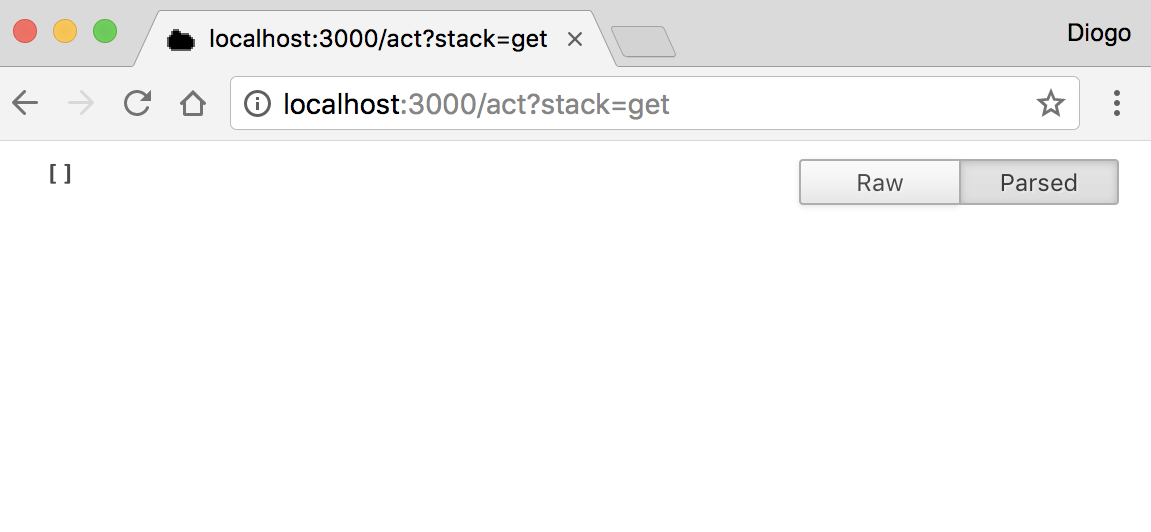
Wrap all this code in a file and try it out. You can use curl or just try it in your browser. Seneca won’t differentiate between HTTP verbs in this case. Start by checking the stack. The URL describes the action (/act) that you want to perform, and the query parameter gets converted to the required pattern:
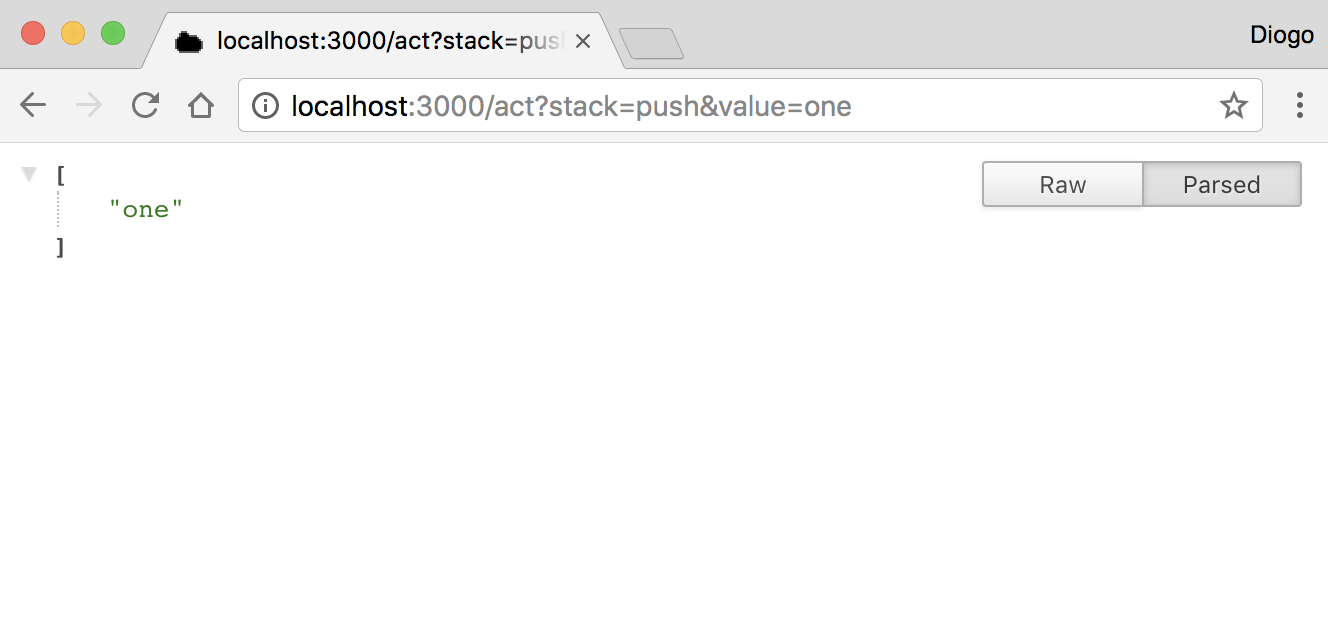
You can then add one to your stack and see the final stack:
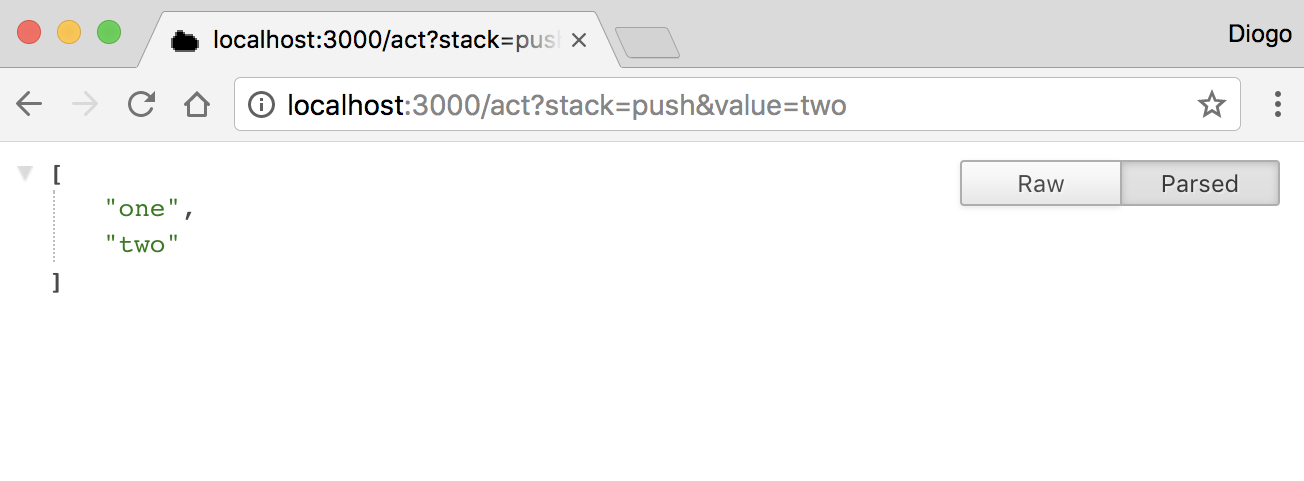
Continue adding values (for example, two) and see how the stack grows:
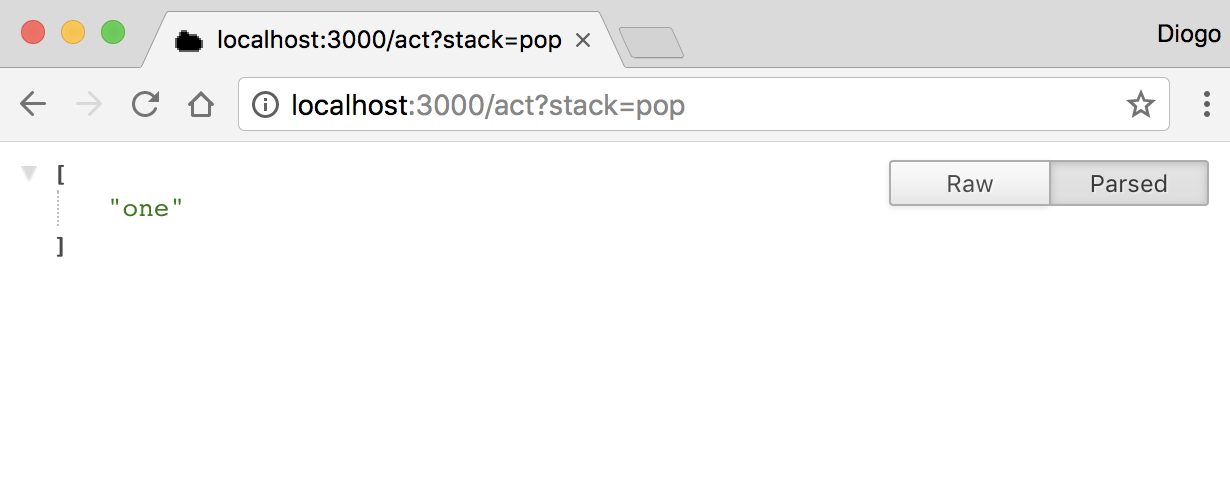
If you then try removing the last element, you’ll see the stack shrinking:
Using a browser is convenient for a quick demonstration, but a command-line client or automated test is safer for actions that modify data. Browsers can make additional requests for resources or repeat a previously entered URL.
Seneca Plugins, Transports, and Data Persistence
Seneca comes with middleware that you can install and use. In this case, the middleware are called plugins. By default, Seneca includes a number of core plugins for transport, and both HTTP and TCP transports are supported. There are more transports available, such as Advanced Message Queuing Protocol (AMQP) and Redis.
Plugin availability and maintenance status can change. Check the package repository, supported Seneca versions, release history, and security notices before choosing a transport or storage plugin.
Moreover, storage plugins for persistent data are available, with support for several database servers—both relational and non-relational. Seneca exposes an object-relational mapping (ORM)-like interface to manage data entities. You can manipulate entities, use a simple storage in development, and then move to production storage later on. Here’s a more complex example:
const async   = require("async");
const seneca  = require("seneca");
const service = seneca();

service.use("basic");
service.use("entity");
service.use("jsonfile-store", { folder : "data" });

const stack = service.make$("stack");

stack.load$((err) => {
    if (err) throw err;

    service.add("stack:push,value:*", (msg, next) => {
        stack.make$().save$({ value: msg.value }, (err) => {
            return next(err, { value: msg.value });
        });
    });

    service.add("stack:pop,value:*", (msg, next) => {
        stack.list$({ value: msg.value }, (err, items) => {
            async.each(items, (item, next) => {
                item.remove$(next);
            }, (err) => {
                if (err) return next(err);

                return next(err, { remove: items.length });
            });
        });
    });

    service.add("stack:get", (msg, next) => {
        stack.list$((err, items) => {
            if (err) return next(err);

            return next(null, items.map((item) => (item.value)));
        });
    });

    service.listen(3000);
});
This example depends on additional packages and plugin APIs. Install compatible versions of the required dependencies before running it, and treat the JSON file store as a learning or local-development example rather than a general production database recommendation.
Test Persistent Seneca Entities
Just run this new code and see how this code behaves by making some requests to test it. First, see how the stack is:
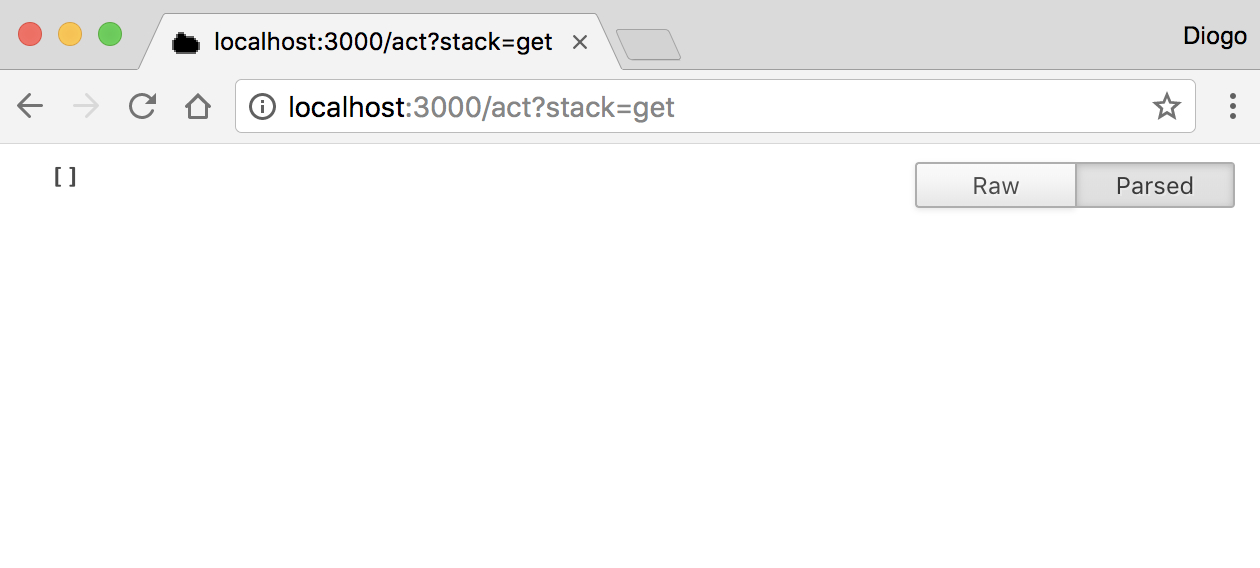
Nothing different, right? Now, add the one to the stack:
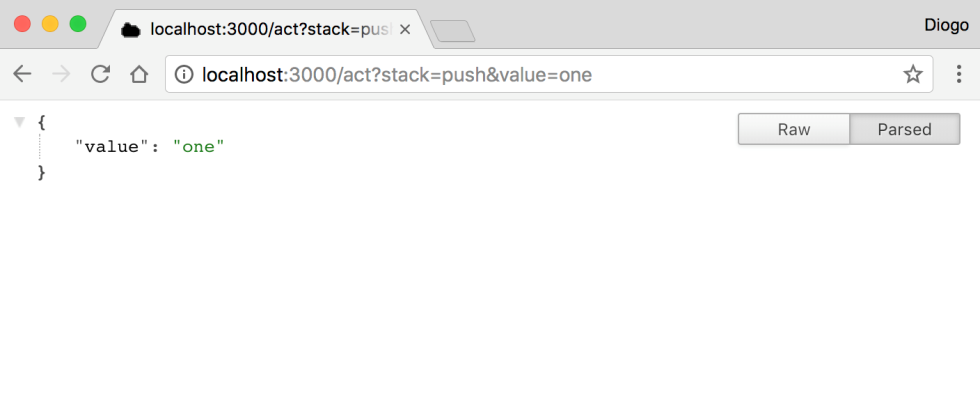
You haven’t received the final stack. You could have but, instead, you changed the service to return the exact item that was added, just for the sake of confirmation. Now add another value:
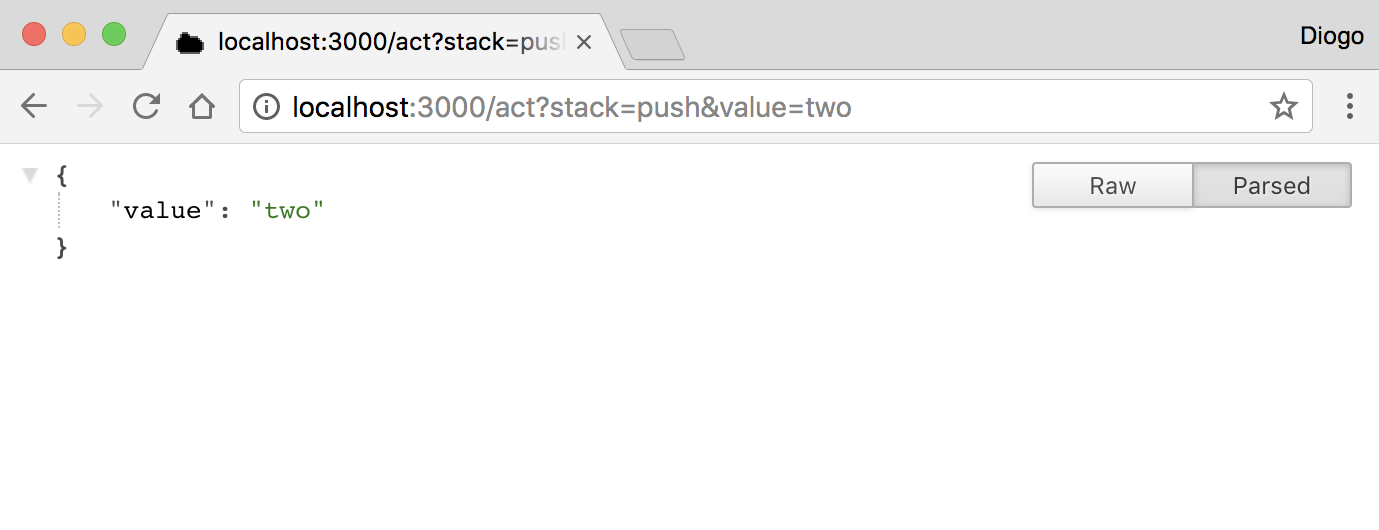
Again, it returns the value you just added. Here’s the stack:
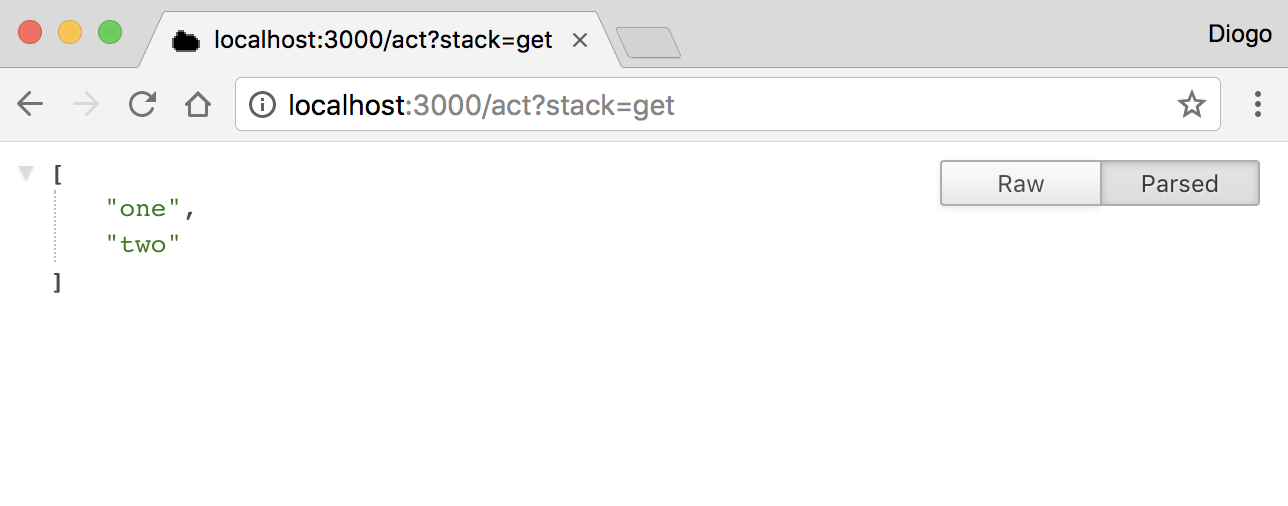
Your stack now has two values. Now comes one big difference compared with the previous code. You’re using entities, an API exposed by Seneca, which helps you store and manipulate data objects using a simple abstraction layer similar to an ORM, or to people who are familiar with Ruby, an ActiveRecord.
The new code, instead of just popping out the last value, removes a value you indicate. So, remove the value one instead of two:
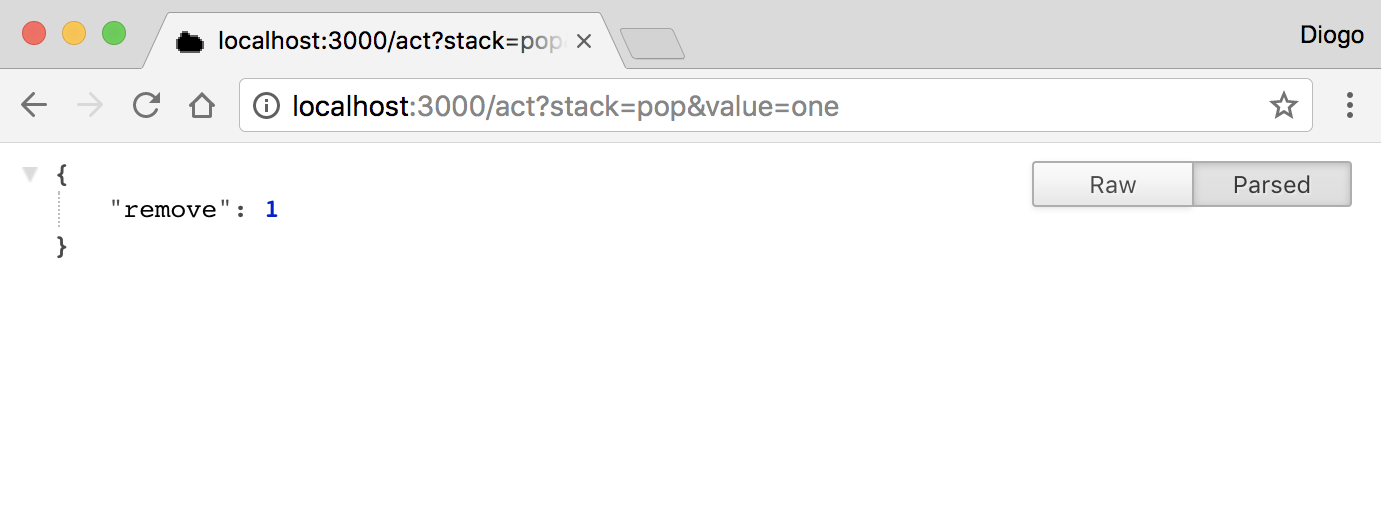
You removed exactly one item. The code will remove all items from the stack that match the value (it has no duplication check, so you can have repeated items). Try to remove the same item again:
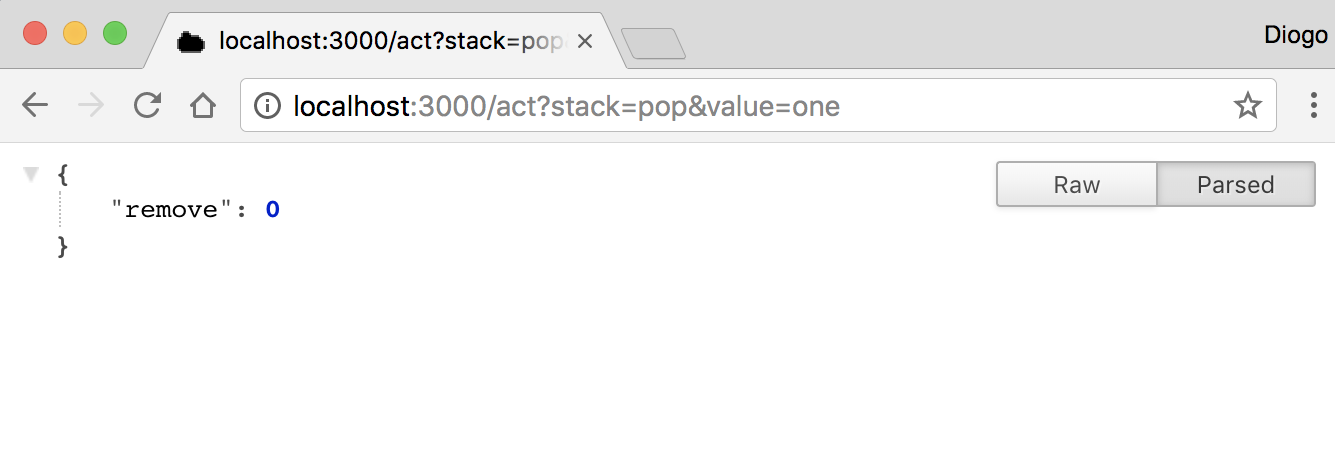
No more items match one, so it didn’t remove anything. Now check whether the stack still has two:
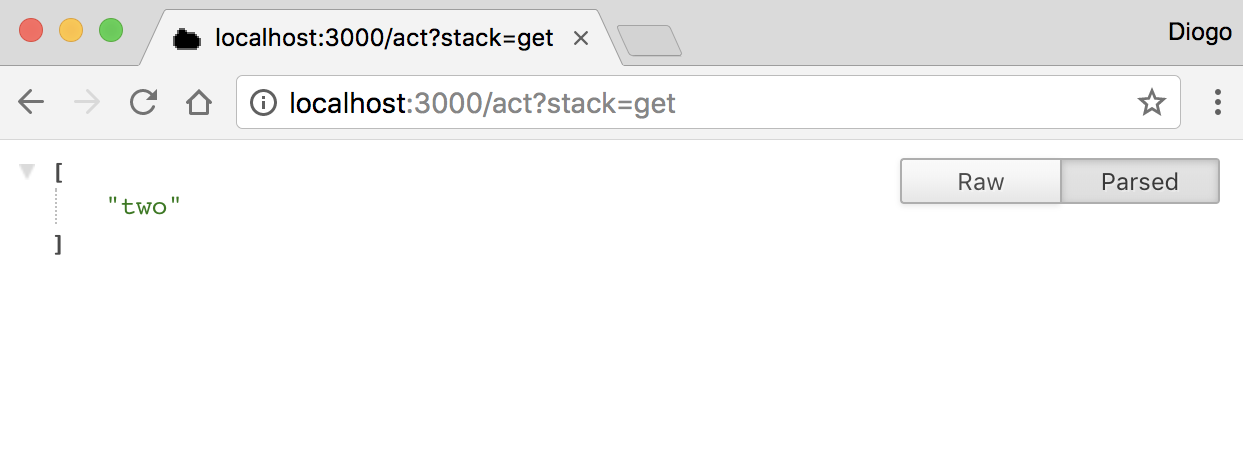
The stack still contains the value two. You can try stopping and restarting the code; you’ll see that the stack will still have that value. This is because you’re using the JSON file store plugin. Please note that when you’re testing using Chrome or any other browser, be aware of the requests made by the browser in advance while you’re typing. Because you’ve already tested the first code, which had the same URL addresses, the browser might duplicate requests and you might get a stack with duplicated values.
Seneca Framework Design Considerations for Production Services
The tutorial demonstrates pattern matching, transports, plugins, and persistence with a small mutable stack. A production service needs additional controls around these concepts:
- Validate every message: Check required properties, data types, accepted values, and payload size before changing application state.
- Return structured errors: Distinguish validation failures, missing records, transport failures, and internal errors.
- Protect network listeners: Do not expose an action endpoint publicly without authentication, authorization, request limits, and secure transport.
- Choose storage deliberately: Account for concurrency, backups, transactions, recovery, and data retention instead of relying on process memory or a local file.
- Add operational visibility: Use appropriate logging, metrics, tracing, health checks, and graceful shutdown handling.
- Test action patterns: Cover successful matches, missing properties, malformed values, handler errors, and messages that should not match an action.
Pattern-based messaging can reduce direct coupling between a caller and a handler, but it does not remove the need to define stable message contracts. Treat action patterns and response objects as APIs that require documentation and compatibility testing.
Seneca Framework Frequently Asked Questions
What is the Seneca toolkit?
Seneca is a Node.js toolkit for organizing application behavior as message patterns and action handlers. A caller sends a message with act, and Seneca routes it to a handler registered with add.
Is Seneca a complete Node.js web framework?
Seneca primarily focuses on pattern-based actions, service communication, and plugins. It is not the same type of tool as a full web application framework that prescribes controllers, templates, routing, and an application directory structure.
How do add and act work in Seneca?
add registers a handler for a message pattern. act submits a message. Seneca finds the matching action, passes the message to its handler, and returns the handler’s result through a callback or the interface supported by the installed version.
Can a Seneca service use HTTP, TCP, or a message broker?
Seneca separates action logic from message transport and has supported multiple transport approaches through core functionality and plugins. The exact transports, configuration syntax, and plugin compatibility depend on the Seneca and plugin versions being used.
Should the JSON file store be used in production?
A local JSON file store is suitable for demonstrating persistence and may be useful for limited development scenarios. Production systems normally require a storage system selected for their concurrency, durability, backup, security, and operational requirements.
Seneca Framework Tutorial QA Checklist
- Confirm that Node.js, Seneca, and every example plugin use mutually compatible versions.
- Verify that the
math:sumaction returns6for the values1,2, and3. - Test
stack:push,stack:get, andstack:popwith valid, missing, and malformed message properties. - Check the behavior of
stack:popwhen the in-memory stack is empty. - Restart the persistent example and verify that stored values remain available.
- Confirm that network examples are bound only to an appropriate interface and are not exposed without access controls.
- Review plugin maintenance, security advisories, and current configuration documentation before production use.