 TutorialKart.com
Kotlin main() Function as the Program Entry Point
The main() function in Kotlin is the entry point of a Kotlin program. When you run a Kotlin file as a console or JVM application, execution starts from the main() function.
Kotlin main() function can be related to main() function in Java programming or C programming language. The difference is that Kotlin does not require you to wrap the entry function inside a class. A top-level fun main() is enough for a simple program.
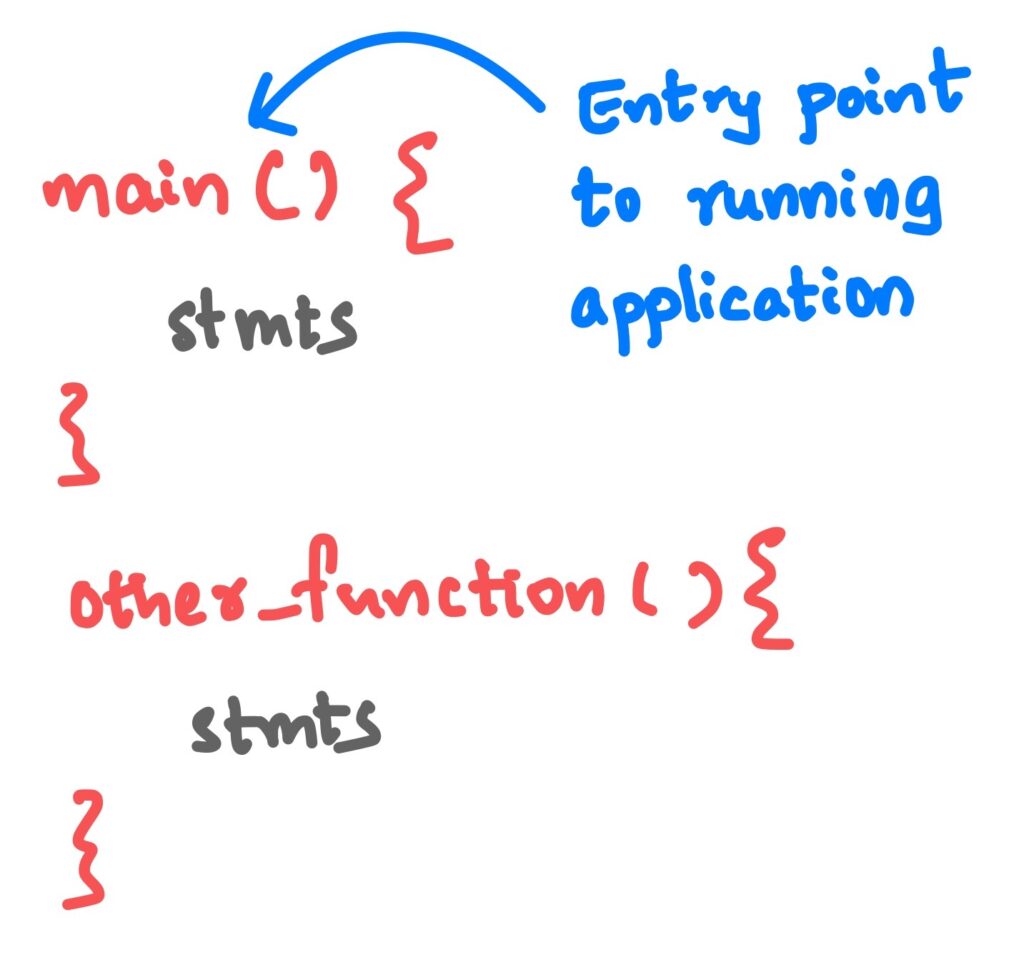
Kotlin supports both procedural programming and object oriented programming. If you have worked with some of the procedural languages, you may know that main() is the entry point to a program.
You can write other entities of a program, like a class, or some other functions next to the main function in your Kotlin file.
If you write a Kotlin file with no main() function, that could be only used as a package or library. But to run a Kotlin File, that file must contain the main() function.
Kotlin main() Function Syntax
The most common syntax of the Kotlin main() function is shown below.
fun main() {
    // statements to execute
}
The keyword fun is used to declare a function in Kotlin. The name main is special because Kotlin uses it as the starting point of the application. The statements inside the curly braces are executed in order.
Kotlin main() With Command-Line Arguments
Kotlin also allows a main() function with an Array<String> parameter. This form is useful when you want to read command-line arguments passed to the program.
fun main(args: Array<String>) {
    println(args.contentToString())
}
For beginners, fun main() is usually the better form to start with. Use fun main(args: Array<String>) only when your program needs values supplied from the command line.
Simple Kotlin main() Function Example
The following is a simple example for a Kotlin program with main() function. We have one more function sayHello() along with our main() function.
Kotlin Program
fun main() {
    sayHello("Arjun");
}

fun sayHello(name: String){
    println("Hello $name!")
}
When you run the program, you should get the following output in your console.
Output
Hello Arjun!In this program, Kotlin first calls main(). Inside main(), the function sayHello("Arjun") is called. The value "Arjun" is passed to the parameter name, and the println() statement prints the message to the console.
How Kotlin Executes Statements Inside main()
The statements inside the Kotlin main() function are executed from top to bottom. If main() calls another function, Kotlin executes that function call and then returns to the next statement in main().
fun main() {
    println("Program started")
    showMessage()
    println("Program ended")
}

fun showMessage() {
    println("Inside showMessage function")
}
Output
Program started
Inside showMessage function
Program ended
This order is important when you write programs that read input, perform calculations, call helper functions, or print results.
Kotlin main() Function With Variables
You can declare variables inside the Kotlin main() function and use them in expressions or function calls.
fun main() {
    val firstNumber = 10
    val secondNumber = 20
    val sum = firstNumber + secondNumber

    println("Sum = $sum")
}
Output
Sum = 30Here, the values are stored in read-only variables declared with val. The expression firstNumber + secondNumber is evaluated, and the result is printed from the main() function.
Top-Level Kotlin main() and Class-Based Code
In Kotlin, main() is commonly written as a top-level function. This means it is placed directly in the Kotlin file, not inside a class.
fun main() {
    val student = Student("Anu")
    student.printName()
}

class Student(private val name: String) {
    fun printName() {
        println(name)
    }
}
This style keeps small programs simple. You can still define classes, objects, and other functions in the same file or in separate Kotlin files.
Kotlin main() Function in Android Projects
In a normal Kotlin console program, main() is the entry point. In an Android app, however, you usually do not write a main() function for the app screen. Android starts the app through Android components such as an Activity, and the framework manages the application lifecycle.
You may still use a Kotlin main() function in separate Kotlin/JVM files, practice programs, or small experiments, but Android app execution is different from a console application.
Common Errors While Writing Kotlin main()
- Misspelling the function name: Use
main, notMainormian. - Writing statements outside a function: Executable statements such as
println()should be placed insidemain()or another function. - Using the wrong parameter type: If you use arguments, write
Array<String>. - Expecting Android apps to start from main(): Android applications normally start from Android framework components, not from a user-written console-style
main(). - Forgetting braces: The body of
main()must be enclosed in curly braces.
Kotlin main() Function FAQs
Is main() mandatory in every Kotlin file?
No. A Kotlin file can contain classes, functions, or library code without main(). But if you want to run a Kotlin file as a standalone console or JVM program, the project needs a valid main() entry function.
Can Kotlin main() be written without command-line arguments?
Yes. The common beginner-friendly form is fun main(). Use fun main(args: Array<String>) only when you need to receive command-line arguments.
Does Kotlin main() have to be inside a class?
No. Kotlin allows main() as a top-level function. This is different from Java, where the main method is usually written inside a class.
What does println() do inside Kotlin main()?
The println() function prints a value or message to the console and then moves to the next line. It is commonly used in beginner programs to check output.
Is Kotlin main() used as the entry point in Android apps?
Not usually. Android apps are started by the Android framework through components such as Activity classes. The Kotlin main() function is mainly used for console, JVM, and practice programs.
Kotlin main() Function Tutorial Summary
In this Kotlin Tutorial, we have learned about main() function and its usage in a Kotlin application. The main() function is the starting point for a Kotlin console program, can be written with or without command-line arguments, and can call other functions or use classes defined in the same file or elsewhere.